Vim Is More Than an Editor
When we talk about Vim, we’re not really talking about a particular editor; more often we’re talking about mode separation.
Regarding the learning curve of editors, Vim’s curve goes horizontal after reaching a certain height. I think that height is really where you’re used to text mode and command mode, and can flexibly use both modes to operate on text.
What GVim Gave Me
Since this article discusses switching to VSCode, I’ll take GVim as the example original editor — it’s the GUI editing tool I use most at work. This section first covers what GVim gave me.
The Complete Vim Operating Experience
In GVim, all of Vim’s basic operations are available, plus powerful search-and-replace, buffers, split screens and multiple tabs, macro recording… These operations cover almost every editor function I can think of. You don’t even need to use all the features above — you can already complete file editing fast enough.
Simple Plugin Management
Vim and GVim can basically share one plugin system; we can even organize this configuration into dotfiles under version control, and share it with others — like auxiliary tools such as SpaceVim.
When I need the Ultisnips plugin, I can just add Plug 'SirVer/ultisnips' to the config and install it directly later.
Lightweight and Stable
When using GVim, crashes were really few and far between — you almost never need to worry about losing text. At the same time, having fewer plugins installed doesn’t hurt performance much, which is why I’ve always used it as a lightweight editor.
Some Custom Scripts (vimwiki)
Vimwiki is my own wiki management tool; I use it to write weekly reports, diaries, even daily drafts. vimwiki also supports markdown; without image needs it’s an excellent diary application — it can quickly create the day’s document, and with UltiSnips configured it can quickly produce structure. The image below shows my diary and weekly-report writing.

What Vim Cannot Give Me
Completion plugins…
I started with YouCompleteMe, then used coc on a friend’s recommendation. Frankly, if you really want to spend a lot of time debugging these two tools, their completion effect should be extremely good. Moreover, you can even observe or study jedi’s implementation during deep debugging, for interpreted languages like Python.
But this process really takes time and left me with a sense of frustration — after all, I’m not a professional compiler or debugger developer; I really just want to complete code.
Multi-Language Support
Vim actually has built-in syntax for many languages. My worry isn’t highlighting — it’s that there is ONLY highlighting. Take puppet, a language I touch often at work: it has its own syntax and even simple stream processing. I really wish there were a bit more completion, or enhanced jump functionality. In Vim this may be achievable, but it would probably take a lot of time too.
UltiSnips Candidates Won’t Display
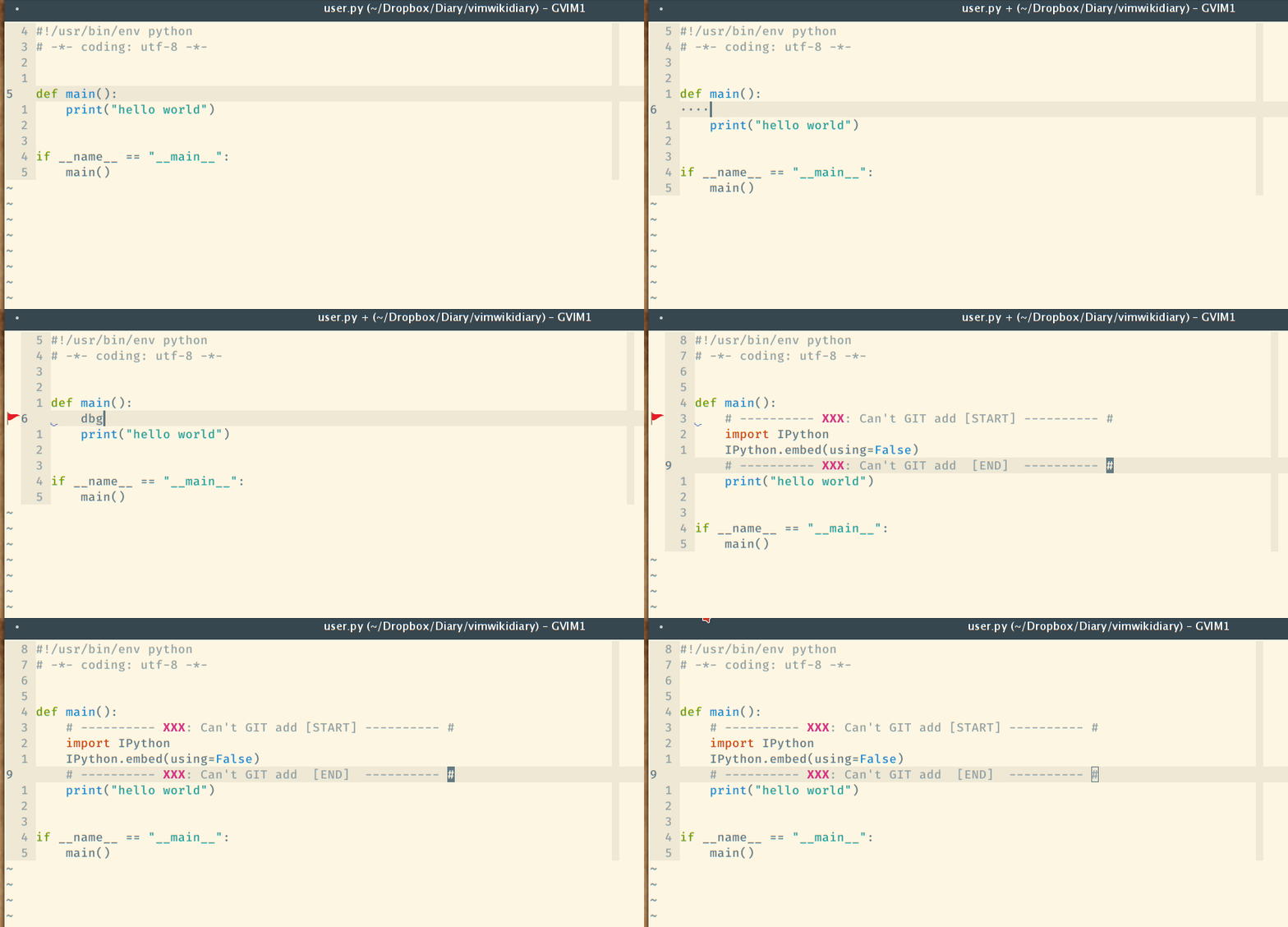
This should be a problem with my personal configuration — I don’t understand why Ultisnips candidates don’t display, like this:
 ,
,
This problem was absolutely the last straw that broke the camel’s back. I configured painstakingly for a long time and still couldn’t display candidates like the original repository does.
Which Problems VSCode Helped Me Solve
When switching editors, it wasn’t because VSCode is cool — it IS cool, but not to the point where I must use it. When problems I met in Vim could be partly solved in VSCode, I would migrate that part of the work over.
Completion
- C++, Python, Golang language support
As a reading tool, VSCode is really suitable for reading C++ or Python programs. Syntax highlighting goes without saying, plus official plugin support. Almost without configuration, small C++ projects can basically achieve find-and-jump.
However, for developing C++ programs I would still choose an IDE like QtCreator without hesitation — you get a perfect experience there.
But for Python program development — the language I use most at work — basic jump functionality and completion are already completely enough. I basically never use VSCode to set breakpoints and debug Python programs. In many cases, tornado auto-reloading the program plus an IPython interactive shell is already enough. VSCode’s debugging function makes me quite anxious; if one day I absolutely must set a breakpoint for a Python program, I’d consider PyCharm rather than VSCode-as-an-editor.
For Golang, with tools like gocode around, completion works the same in Vim or VSCode, though the visual effect of candidate display is better in VSCode.
- Other languages
For other languages, I recently tried TabNine — I really like this intelligent completion tool. When writing puppet scripts it can occasionally help too.
Plugin Writing
I once couldn’t find a plugin corresponding to UltiSnips in VSCode; producing code snippets in VSCode was very inconvenient. Later I decided to write one myself. Writing plugins with JavaScript or TypeScript feels good, and the result is this tool: Vsnips snippets. Although I can’t yet guarantee all UltiSnips snippets are fully compatible, it should already allow customizing lots of snippets to simplify operations. Meanwhile, ordinary users can use it too — you don’t necessarily need to enable the Vim plugin.

VSCode remote mode
I don’t know how many friends are like me: because their laptop performs too poorly, they connect remotely to a better-performing machine. In this case VSCode is like a code browser — all completion and hint operations are computed by the remote server, taking no local resources. For my beat-up little laptop, it’s practically a rebirth.
Needs VSCode Cannot Meet
As mentioned above, I don’t like VSCode’s debugging function, especially for compiled languages (C++, Java). Even with breakpoints set, I find it painful — better to use an IDE directly.
For interpreted languages like Python and JavaScript, I almost never set breakpoints; for these languages you must write your unit tests well instead.
How I Switch Between the Two Editors
For everyday code reading and editing Python, Golang, and NodeJS projects, I’ll consider using VSCode. For writing my diary and weekly reports, as said above, I’ve already written suitable scripts in Vim and know the shortcuts — there’s no need to unify everything into VSCode.